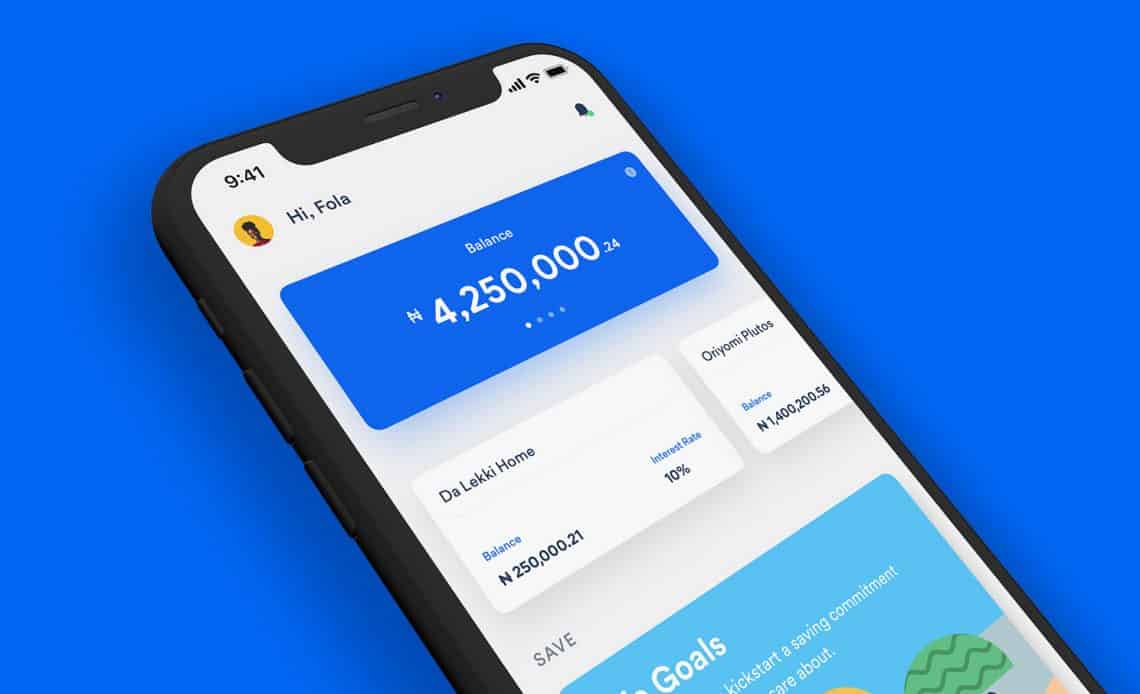





When a scheduled payment to your locked savings plan can’t go through because your bank balance is too low, Cowrywise doesn’t stop at one attempt. We retry with smaller amounts so you can still save something, and then give you a simple way to complete or retry the payment yourself.
This guide covers payments that fail because of a low balance: what’s happening, what you’ll see in the app, and when you need to take action.
Find your situation
| What you see in the app | What it means | What to do |
|---|---|---|
| “We’re processing a payment” banner on your plan | A charge is in progress: your scheduled payment or an automatic retry | No action needed. We’ll let you know if anything needs your attention |
| “We processed ₦X of your ₦Y payment” | Part of your payment went through | Complete the remaining amount, if you want to |
| “Your payment didn’t go through” | None of the retries succeeded | Retry the payment |
| No retry or complete option, and your plan wasn’t funded | The time to retry or complete has most likely passed | Top up manually whenever you’re ready |
How automatic retries work
If your scheduled payment fails because of insufficient funds, Cowrywise automatically retries with a smaller amount about every 1.5 hours, up to four retries over roughly six hours:
| Attempt | When | Amount attempted |
|---|---|---|
| Scheduled payment | Your scheduled time | 100% of your scheduled amount |
| 1st retry | About 1.5 hours later | 80% |
| 2nd retry | About 3 hours later | 60% |
| 3rd retry | About 4.5 hours later | 40% |
| 4th retry | About 6 hours later | 20% |
Automatic retries stop after the first successful attempt, so the retry sequence never debits you more than once for the same scheduled payment. Each retry also moves to the next smaller amount, even if your balance has gone up since the last attempt. Where a reduced amount would fall below your plan’s minimum contribution, the plan minimum applies.
You don’t need to turn this on. Retries run automatically on locked savings plans that have automation enabled.
While retries are in progress, you’ll see a banner on that plan’s details page, and we’ll notify you by push and email when retries begin and when a payment succeeds.
An example
You’ve scheduled ₦50,000 a month to your December Holiday plan. On your payment date, you have ₦25,000 in your bank account.
| Attempt | Amount | Result |
|---|---|---|
| Scheduled payment | ₦50,000 | Insufficient funds |
| 1st retry | ₦40,000 | Insufficient funds |
| 2nd retry | ₦30,000 | Insufficient funds |
| 3rd retry | ₦20,000 | Successful |
| 4th retry | ₦10,000 | Not attempted |
₦20,000 goes into your plan instead of nothing. Your schedule doesn’t change: next month, Cowrywise will attempt the full ₦50,000 again.
Complete a partial payment
If only part of your payment went through, you can pay the rest once automatic retries have finished. In the example above, that’s the remaining ₦30,000.
- Tap the reminder we send you, the action card on your home screen, or the banner on your plan’s details page.
- Check the outstanding amount and the payment method. You can change the payment method here.
- Tap Complete now.
The full outstanding amount needs to be in your account. Unlike automatic retries, this doesn’t step down to smaller amounts. If you’d rather add a smaller amount, use a regular manual top-up instead.
Retry a failed payment
If none of the automatic attempts succeeded, you can retry the full scheduled amount once automatic retries have finished.
- Tap the reminder we send you, the action card on your home screen, or the banner on your plan’s details page.
- Check the amount and the payment method. You can change the payment method here.
- Tap Retry now.
If it doesn’t go through, you can try again as many times as you need while the option is available.
How long you have
After automatic retries finish, you’ll have a limited time to retry a failed payment or complete a partial one. How long you have depends on how often your plan is funded: daily, weekly or monthly.
We’ll send you reminders by push notification and email while the option is open. If it’s no longer available, you can still top up your plan manually.
Topping up manually while retries are in progress
You can top up your plan manually at any time. But a manual top-up doesn’t cancel automatic retries that are already in progress, so a retry could still debit your account after you’ve topped up.
To avoid an extra debit you didn’t plan for, check your plan’s details page before topping up. If it shows a payment-in-progress banner, wait until automatic retries finish. Then check the payment status and use Retry now or Complete now if you need to.

If you don’t retry or complete a payment
You’ll miss that contribution, but your plan won’t be cancelled. When the time to retry or complete passes:
- Your plan and automation stay active.
- Your next scheduled payment goes ahead as normal, for your usual amount.
- The missed amount isn’t added to your next payment.
You can still top up manually whenever you want.
Frequently Asked Questions
No. Each retry follows the step-down sequence, so the next attempt will be for 80% of your scheduled amount, even if you now have enough for the full payment. Once retries finish, you can complete the remaining amount in the app
The Retry now and Complete now options only appear after automatic retries finish. Before then, you can top up manually.
No. The four stages are attempts. Once one succeeds, the rest are cancelled.
Your balance wasn’t enough for the full amount at the time, so a smaller retry went through. You can complete the rest in the app.
No. Your scheduled amount and dates stay exactly the same.